Draft a reply to a pricing question
Start with a small practice task, then use your own page.
1. Open the source
Section titled “1. Open the source”Open the practice page. All data is fictional and contains no real customer information.
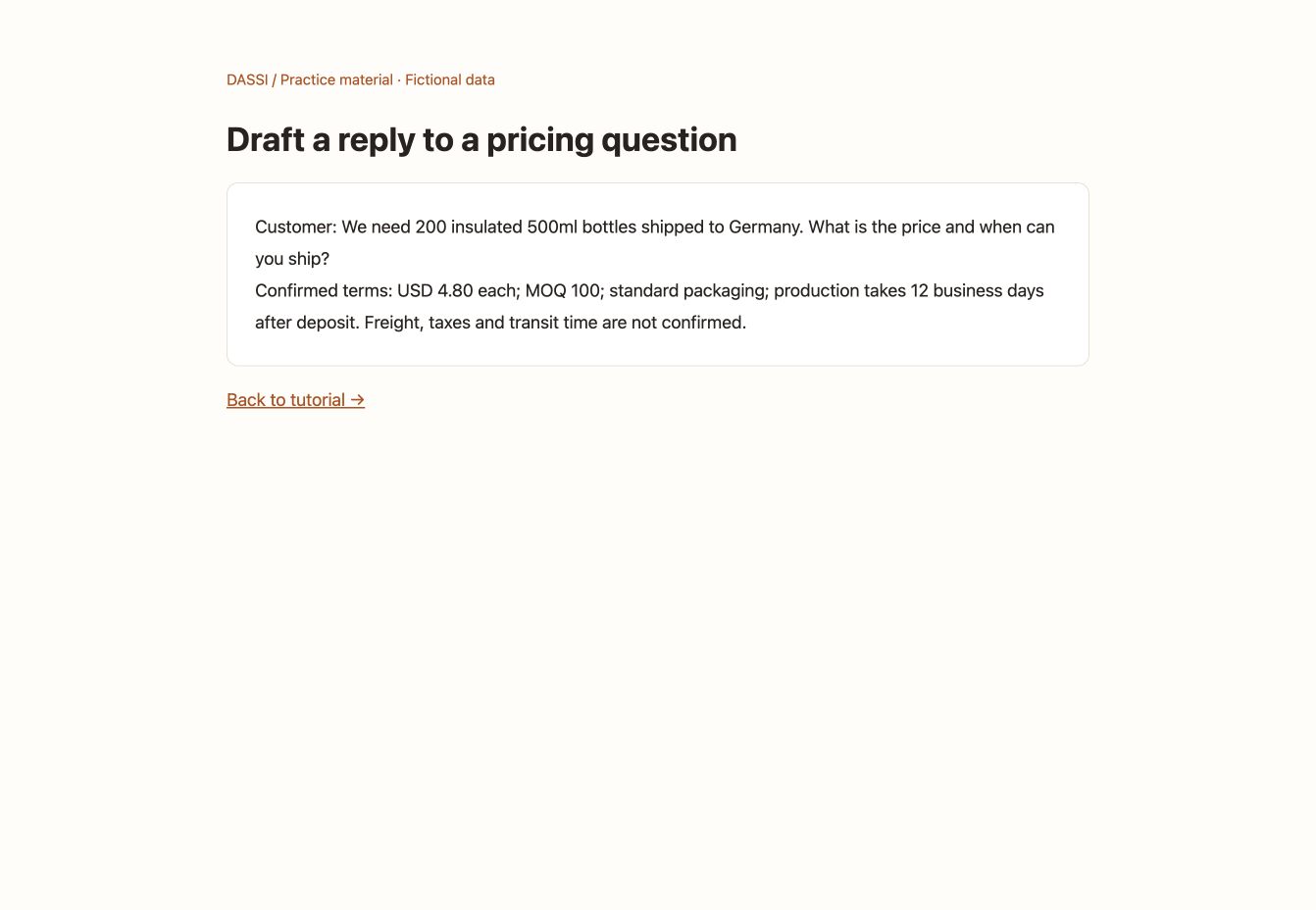
This screenshot shows the task input, not a Dassi execution result.
New to Dassi? Follow the installation guide, open the sidebar and sign in. If prompted for credits or model configuration, follow AI Models & Providers.
2. Copy this prompt
Section titled “2. Copy this prompt”Keep the practice page active. Paste this into the Dassi sidebar and send it.
Read only the customer message and confirmed terms on this practice page. Draft a short, natural English reply. State the product subtotal, not a delivered total; distinguish production lead time from transit time. Ask for a postal code and packaging requirements. Mark unknown charges as unconfirmed. Do not promise discounts or an arrival date. Show the draft in the sidebar only; do not send or fill any form.3. Review the result
Section titled “3. Review the result”Check that the product subtotal is USD 960, freight remains unconfirmed, and 12 business days refers to production.
If the page cannot be read, ask Dassi to identify missing information before supplying it. Do not ask it to guess.
4. Use your own page
Section titled “4. Use your own page”Open a relevant business page you are authorized to process. Adapt the product, quantity or language in the prompt. Review the draft or table before proceeding. This use case does not configure background auto-replies or send customer messages automatically.